
Services / Image and film libraries
Build an image and film library
Get a collection of product still lifes, portraits, textures and clips that your team can use across product pages, editorial and social.
How you get started
Share your brand guidelines, approved packshots or product references, and where you’ll use the images first.
You review and approve an initial selection of images before the rest of the library goes into production. That selection sets the reference for colour, lighting, framing and how your product is shown.
Melvita / Library in practice
What you get
Officine (AI) helped build Melvita’s image library around the pleasure of daily skincare. Close framing and an emphasis on texture tie together the people, products and ingredients in the collection.
Portraits and gestures
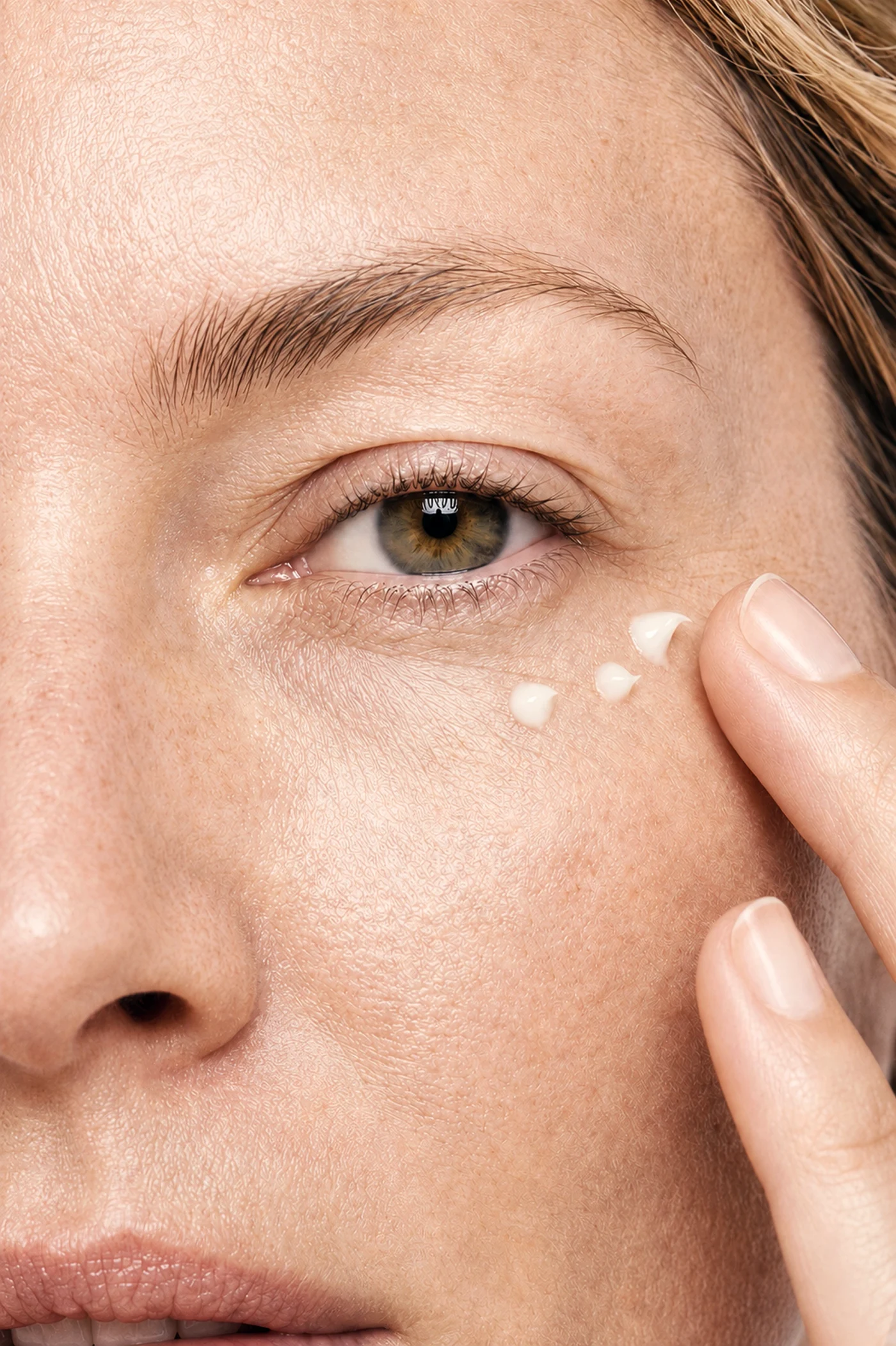
Show what it feels like to use your product. In Melvita’s library, applying skincare around the eye and pressing a towel to the face make a daily routine tangible.

Products and ingredients
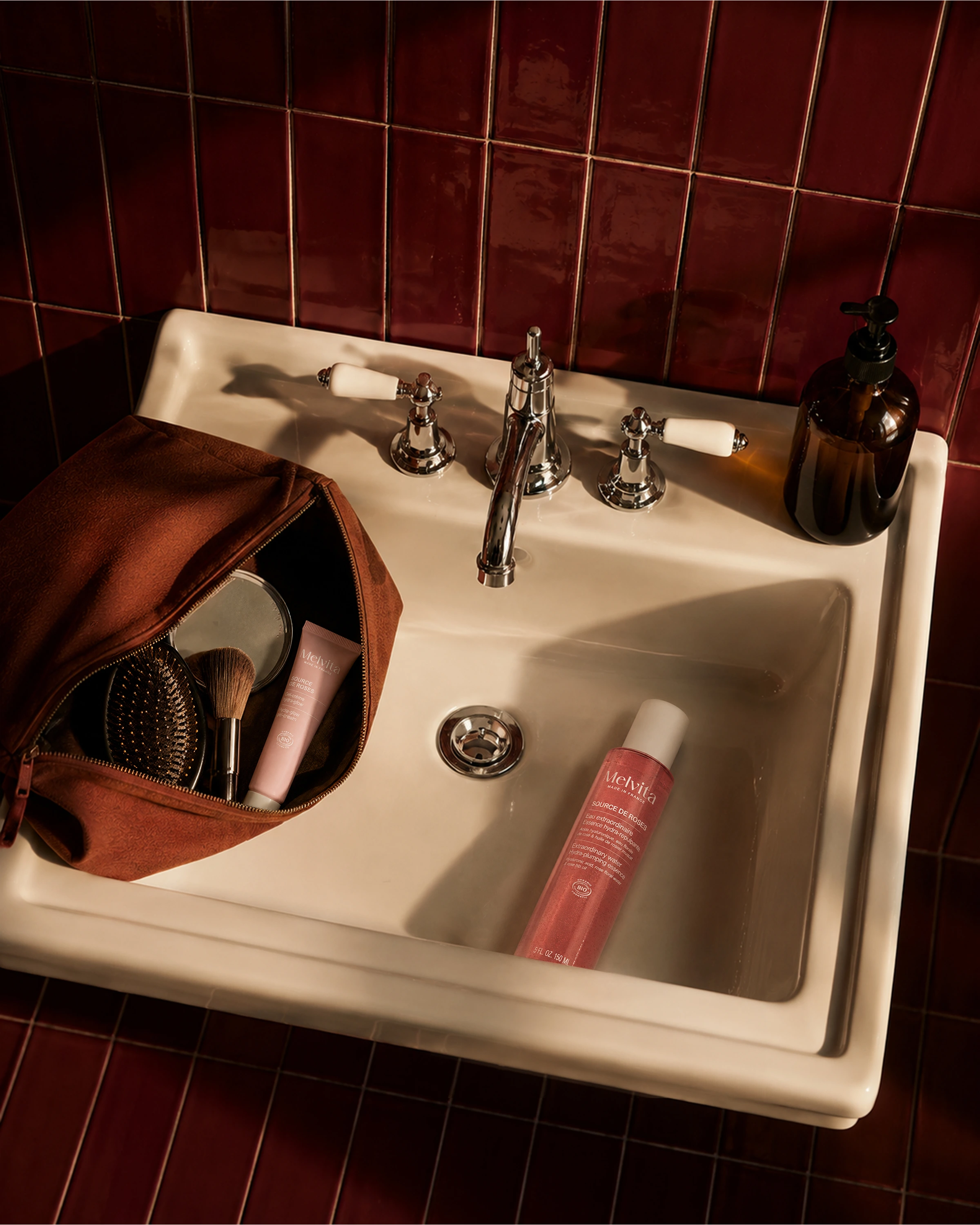
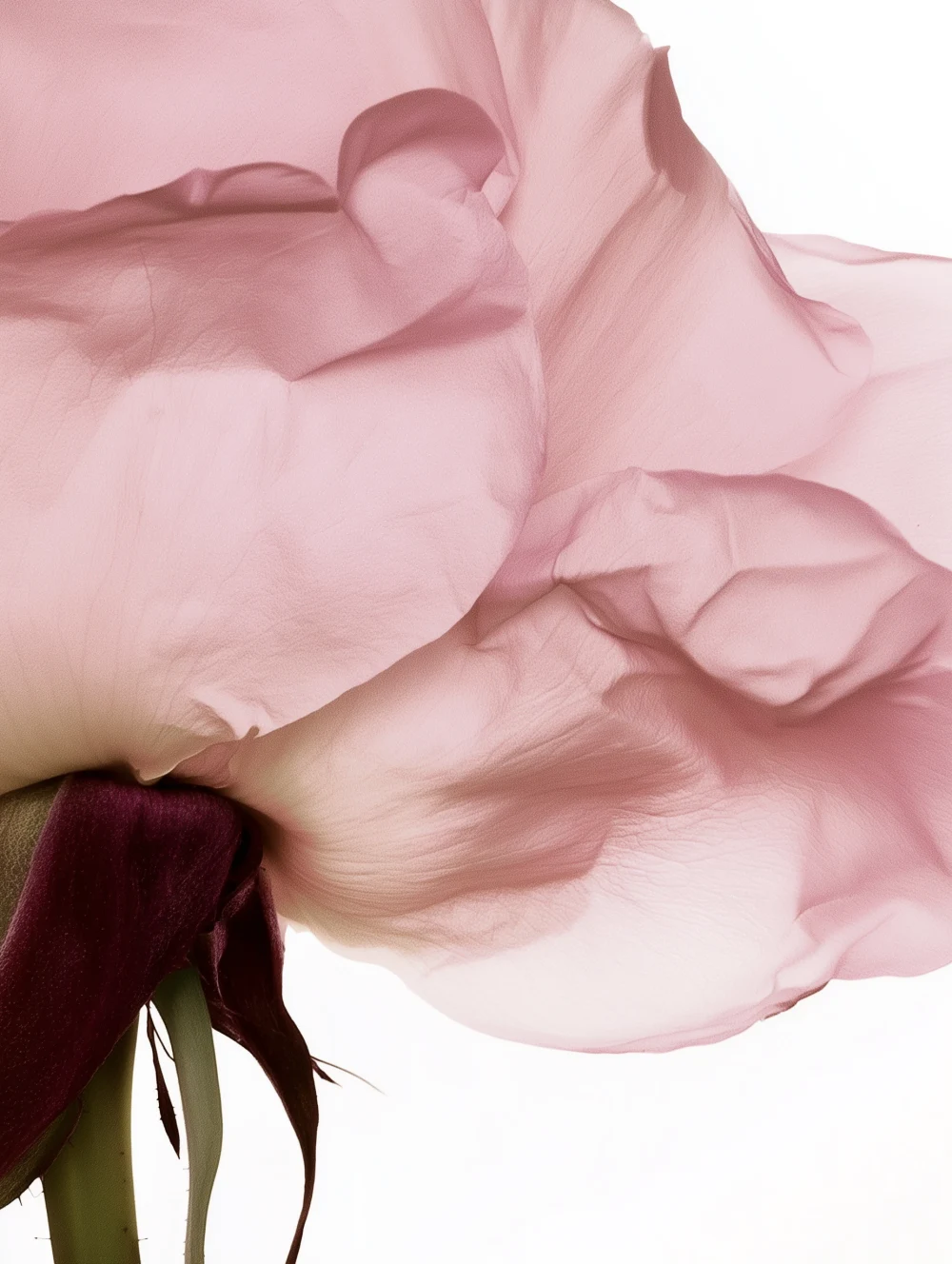
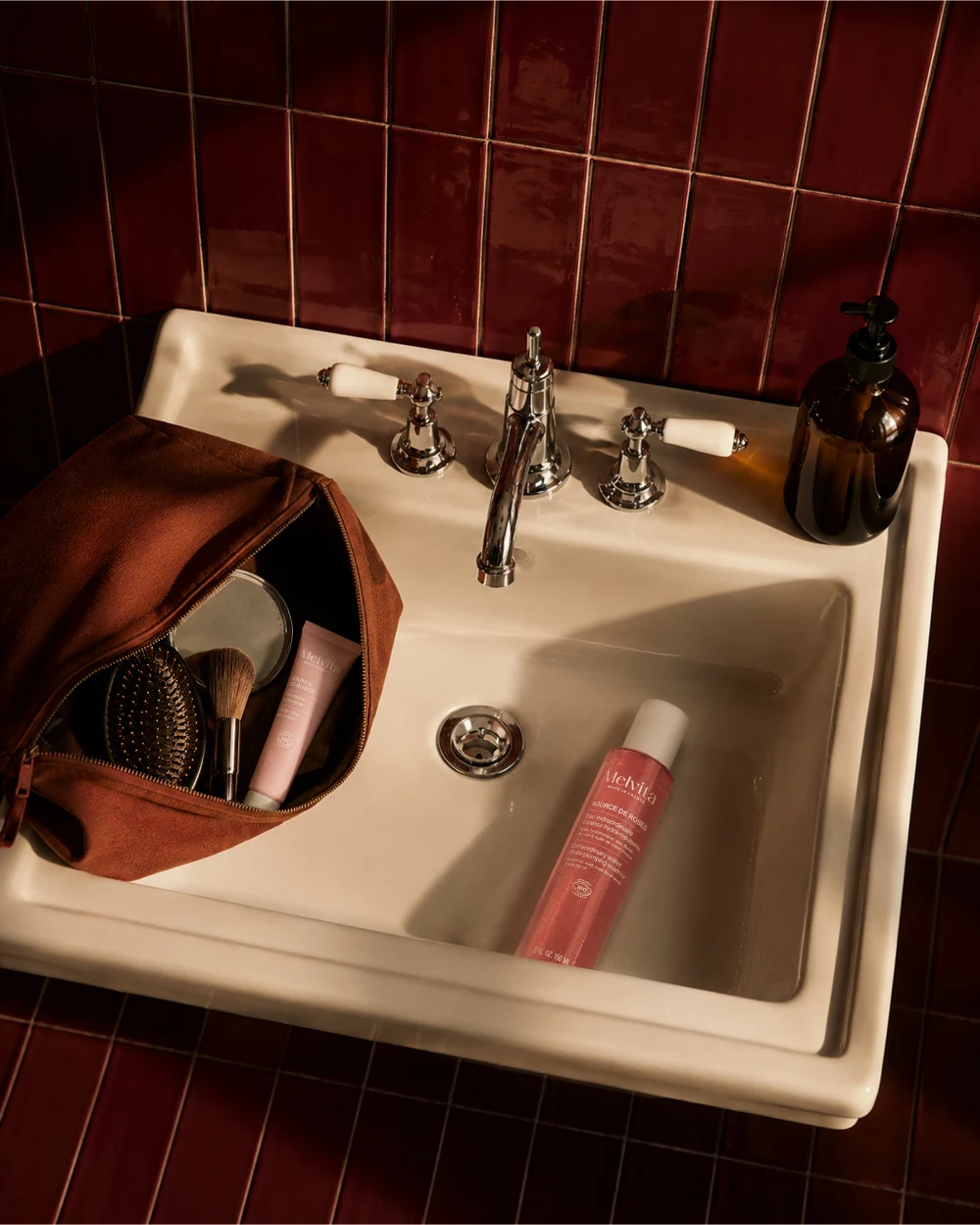
Show your packaging, ingredients and textures up close. A bottle beside a basin places Melvita’s skincare in a familiar routine. A close-up of rose petals gives the ingredient an image of its own.
Common questions
What is a brand image and film library?
It’s a collection of approved stills and clips your team can draw from for product pages, editorial, social and other agreed uses. You can build a library around a single range or a visual direction shared across several ranges.
How is an image library different from a launch campaign?
A library gives your team recurring coverage of products, textures and gestures. A launch campaign starts from a specific message and launch date, with key visuals and films designed for that rollout.
What do we need to brief a brand image library?
Share a list of the products or SKUs, approved packshots or samples, brand guidelines and your first uses. A simple list of missing images by product and channel helps you decide what to make first.
Can we approve the look before the whole library is produced?
Yes. You review an initial selection before the rest goes into production. You can approve the lighting, framing and treatment of skin, materials and packaging on a few images before those choices carry across the set.
How do you keep a whole product range visually consistent?
Your approved images set the reference for lighting, backgrounds, crop and product treatment. Use a different angle or composition where it helps explain a product while keeping the choices that make the range recognisable. See the Melvita library.
Can each shade, size or SKU have its own images?
Yes. Provide an approved reference for each variant and specify which images you need per SKU. You can keep the same framing across the range and review shades, labels and pack sizes against the correct references.
What images should we include on a product detail page?
Start with a clear product image. Add views that answer a shopper’s questions, such as a detail of the applicator, a close-up of the texture, or an image showing the product in use. Share any retailer specs when you brief the files.
Can the library include motion?
Yes. You can add short clips and loops that match the stills for social and product pages.
How many assets should we plan for?
Start with how many products you need to cover, the views that matter for each one, and the placements that need their own files. You might prioritise a packshot and texture image for each SKU and create lifestyle images for selected products.
How do we organise the library for different teams?
Share your file naming or folder conventions when you brief the project. You can agree how to identify each product, image type and format so your e-commerce, editorial and social teams can find the right file.
Can we add to the library later?
Yes. Your approved images give you a reference for adding new products, scenes or clips as the library grows.
How do you handle confidential product references?
Flag unreleased packs, formulas or samples in the brief so you can agree what can be shared and which tools can be used. The terms for AI production set out the precautions taken to keep client data out of AI training.
Where can we use the assets?
You can use the assets across the channels and formats agreed before production. The usage rights are set out at that stage.